


Category: WordPress
Performance, plugins, security: my advice for a fast, reliable WordPress site. LRob expertise at the service of your CMS.

WordPress vs WP Engine conflict: analysis of the drama
The world of WordPress, which powers over 40 % of the world's websites, is in turmoil. At the center of the conflict are two major players in the ecosystem: Matt Mullenweg, founder of WordPress and CEO of Automattic, and WP Engine, one of the leading hosting companies for WordPress. This confrontation, which has taken on legal proportions, raises crucial questions about control of the WordPress brand, open source, and the governance of one of the web's most influential projects. Here's a detailed analysis of the case and what's at stake. Background: WordPress and WP...

Best practices for your WordPress contact forms
Contact forms are essential for acquiring customers. Yet a number of these forms are poorly configured and fail to forward prospect requests...
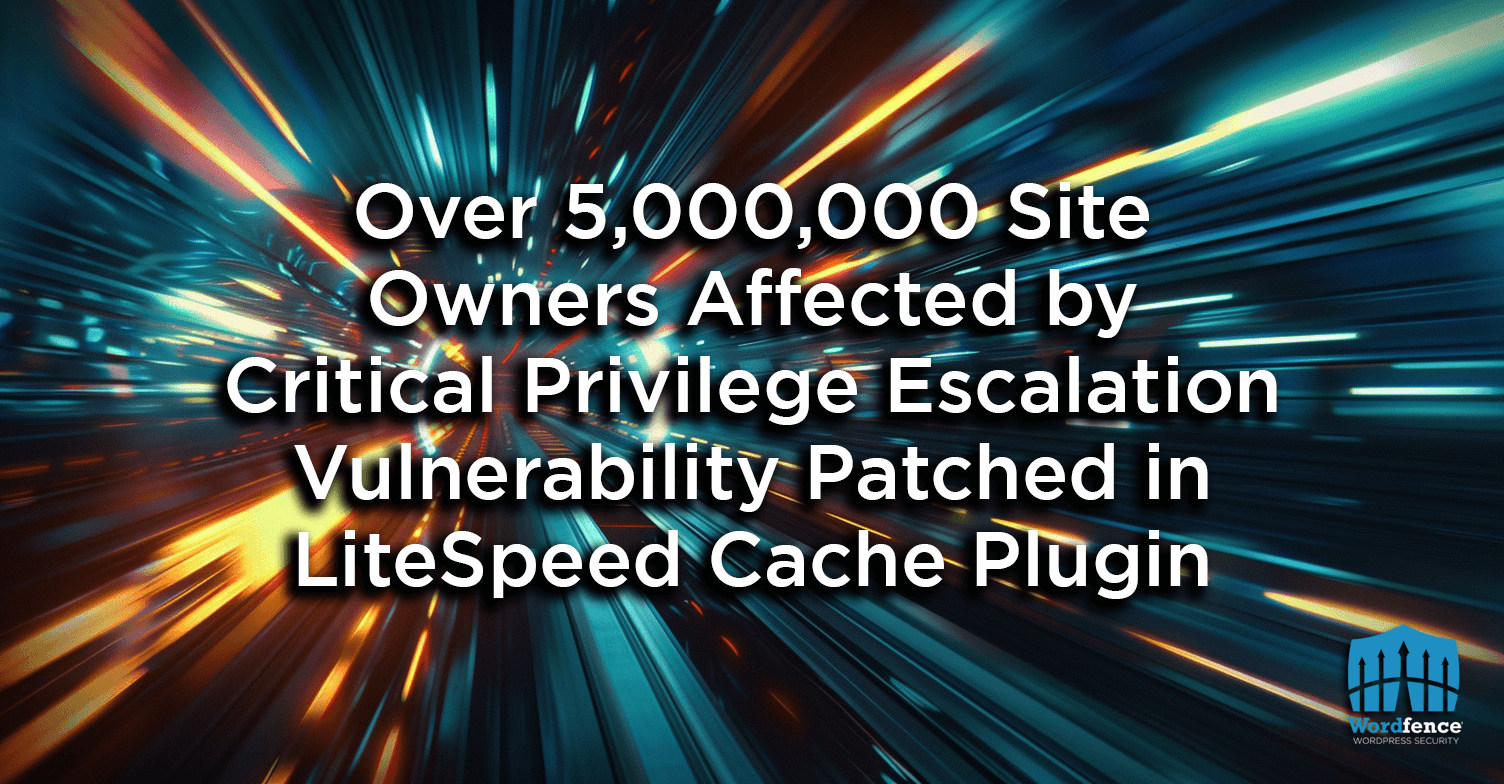
Critical security flaw in the LiteSpeed Cache WordPress plugin: 5 million sites affected
On August 19, 2024, a critical vulnerability was identified in the LiteSpeed Cache plugin, used by over 5 million WordPress sites. This flaw allows an unauthenticated attacker to impersonate an administrator, compromising the full integrity of the site. Technical details The flaw was discovered by WordFence. It affects all versions of the LiteSpeed Cache plugin up to version 6.3.0.1. By exploiting a bug in the role simulation function, an attacker can use a hash to impersonate an administrator. Once this hash has been obtained, he can create a...

10 criteria for the best WordPress webmaster in 2025
How do you know who to trust with your site? Discover the 10 fundamental criteria to avoid making a mistake.
Cybersecurity - Why do a WordPress security audit?
WordPress: a popular but vulnerable CMS WordPress is without doubt the most widely used CMS in the world. Its popularity makes it a prime target for hackers. Owning a WordPress site therefore requires constant vigilance when it comes to security. But why is it so important to have a WordPress site security audit? What are the risks involved, and why is this particularly important for companies whose website is central to their business? Security risks: an unavoidable reality Cyberspace is riddled with potential dangers. For a WordPress site,...
Why does WordPress dominate the web?
When a product stands out from the crowd to the point where it blows away the competition, like WordPress, it's often due to a marketing strike force, and sometimes by luck. But WordPress is far from having stolen its place, and here's why.

Your WordPress site is vulnerable
Many wonder how WordPress can be vulnerable to attack despite its popularity and following. Others are completely unaware of the risk. Analysis. What is a vulnerability? WordPress is programmed with the PHP language, and PHP code is used to create «dynamic» sites. In other words, content is generated on each page by a PHP program. A dynamic site also enables interaction with visitors. In technical terms, it enables requests to be received and processed. This strength is also a weakness in that it can leave room for unwanted interaction, enabling a website to be hacked.On...
How can I check if my WordPress site has been hacked? Warning signs to be aware of
It's sometimes hard to tell the difference between a malfunction and a hack. But there are signs that your site may have been hacked. Today, let's take a look at the 8 most common signs to spot a hack on your WordPress site. ❌ Warning: if in doubt, it's best not to connect to the site administration. Indeed, if your site is hacked, this may allow the hacker to retrieve your password. What's more, the hacker may trigger certain actions automatically when you act on the hacked site, which would make the situation worse. ✅ If you...

WordPress site attacks: Why and how do hackers operate?
Why do hackers attack WordPress sites? What do they gain? And why are they targeting everyone? All the answers and ways to protect your site.